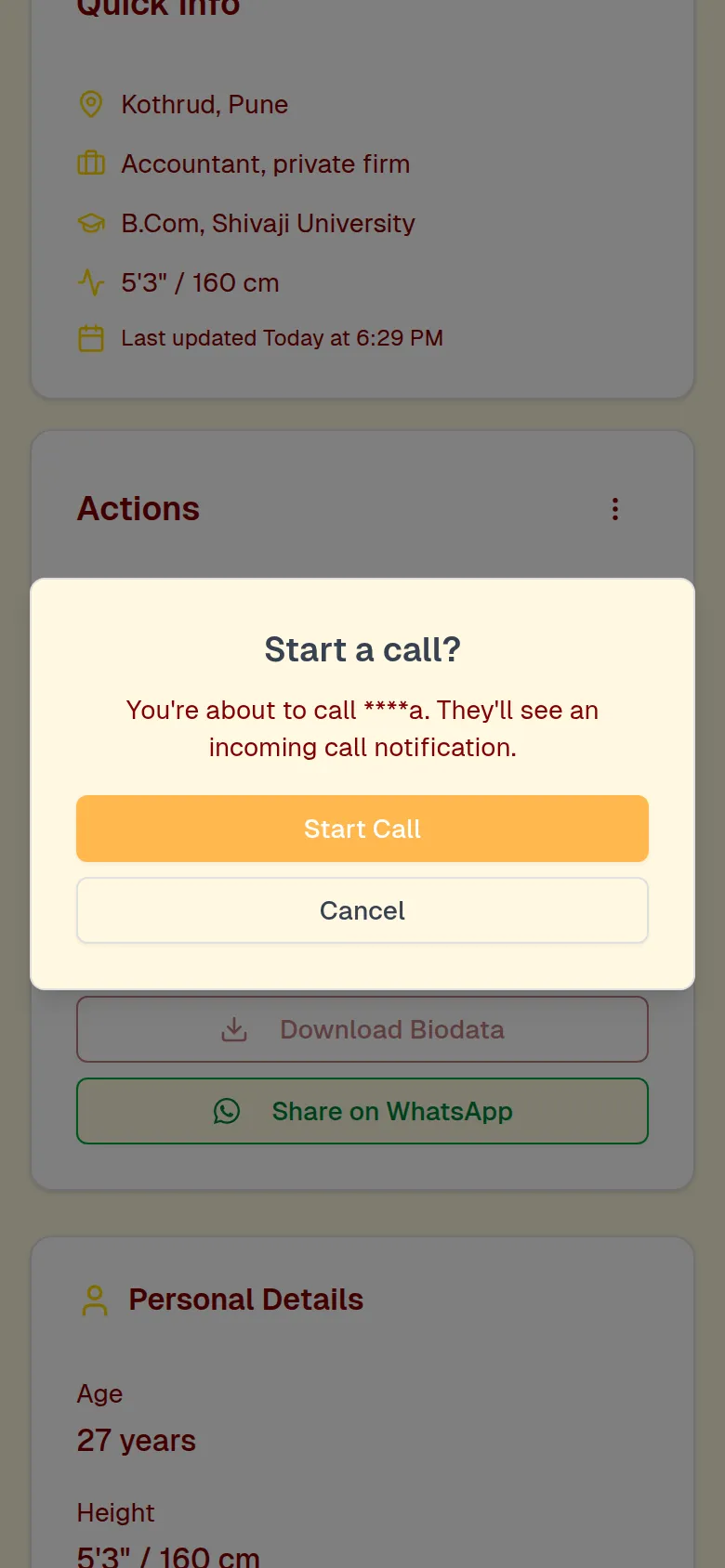
You can call another member right from MarathiVivah — no phone number is shared. Open their profile, tap Call and then Start Call. The call starts as a voice call; tap the camera button to turn video on. You can also schedule a video call from Messages, and turn calls off any time in Settings.
If MarathiVivah is open, or browser notifications are on, you'll see an Incoming Call screen with Accept and Decline buttons. If you miss it, you get a missed-call notification, and the call is listed under Call History (on your Dashboard).
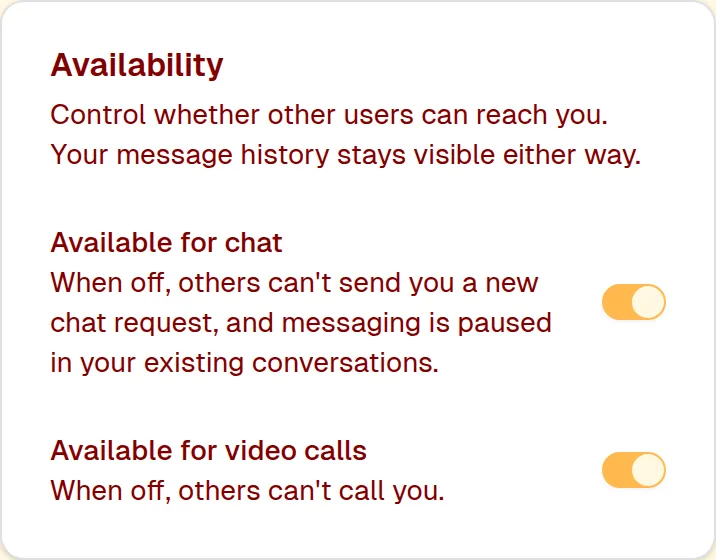
Open Settings → Personal and, under Availability, turn off Available for video calls. Others then can't call you; your messages stay as they are.
Still need help? Email Email us