Open Interest Received from the menu and tap Accept or Reject. If WhatsApp updates are on, you can also tap Accept or Decline right in the WhatsApp message. After you accept, you can both see each other's phone numbers on the profile.
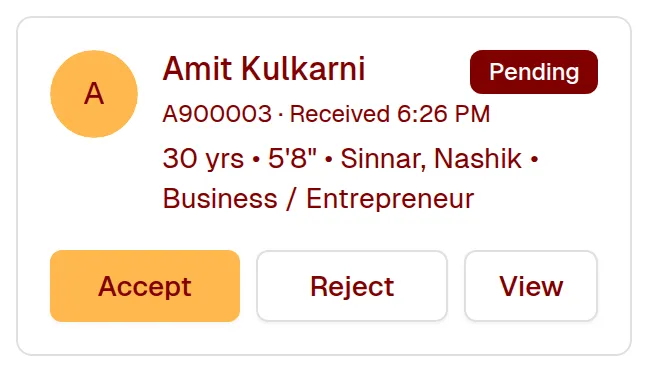
When someone sends you an interest, the WhatsApp message shows their main details — age, height, education, work, income, hometown and current city — with Accept and Decline buttons. Tap one and it's done; after accepting, we reply with a link that opens their contact details.
Still need help? Email Email us