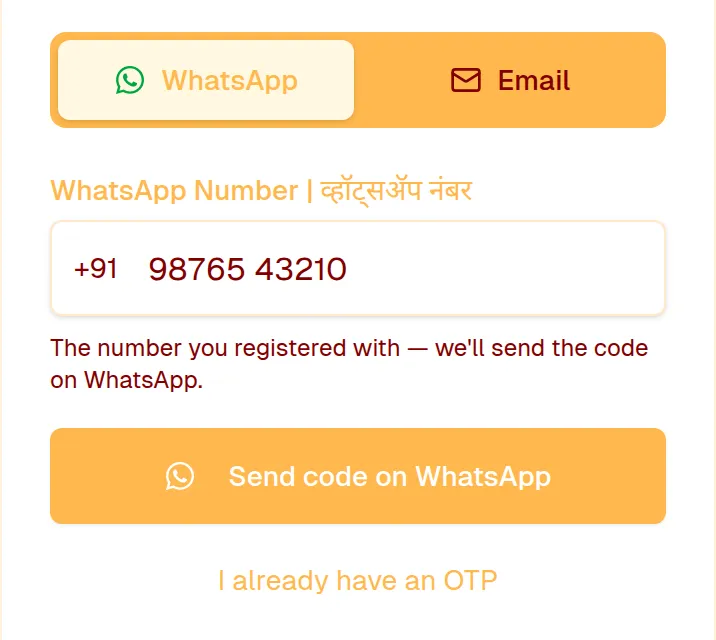
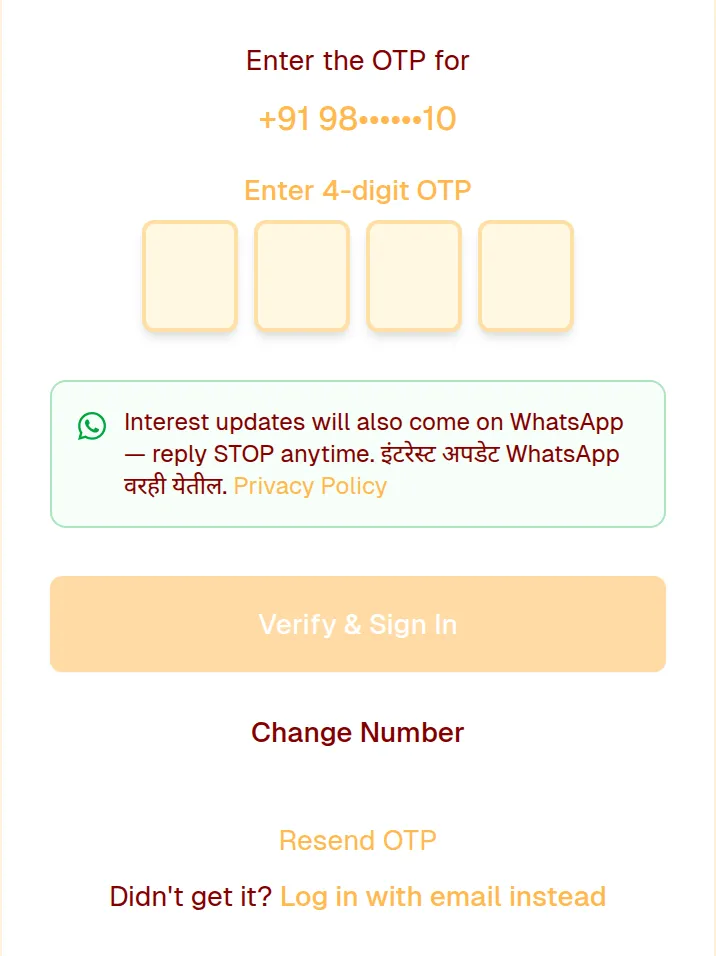
Open marathivivah.co.in/login, keep the WhatsApp tab selected, enter the mobile number you registered with and tap Send code on WhatsApp. Enter the 4-digit code from WhatsApp and tap Verify & Sign In. You can also log in with a code sent to your email, or with Google.
You stay logged in on a device for up to 30 days. Your account stays logged in on one device at a time — logging in on another phone or computer logs out the earlier one, so just log in again there if needed.
Still need help? Email Email us